Recover sensor data
Step 1. Connect the backpack sensor to your computer
-
Plug the backpack sensor in the 4-pin connector and then connect the 4-pin connector USB cable to your computer.
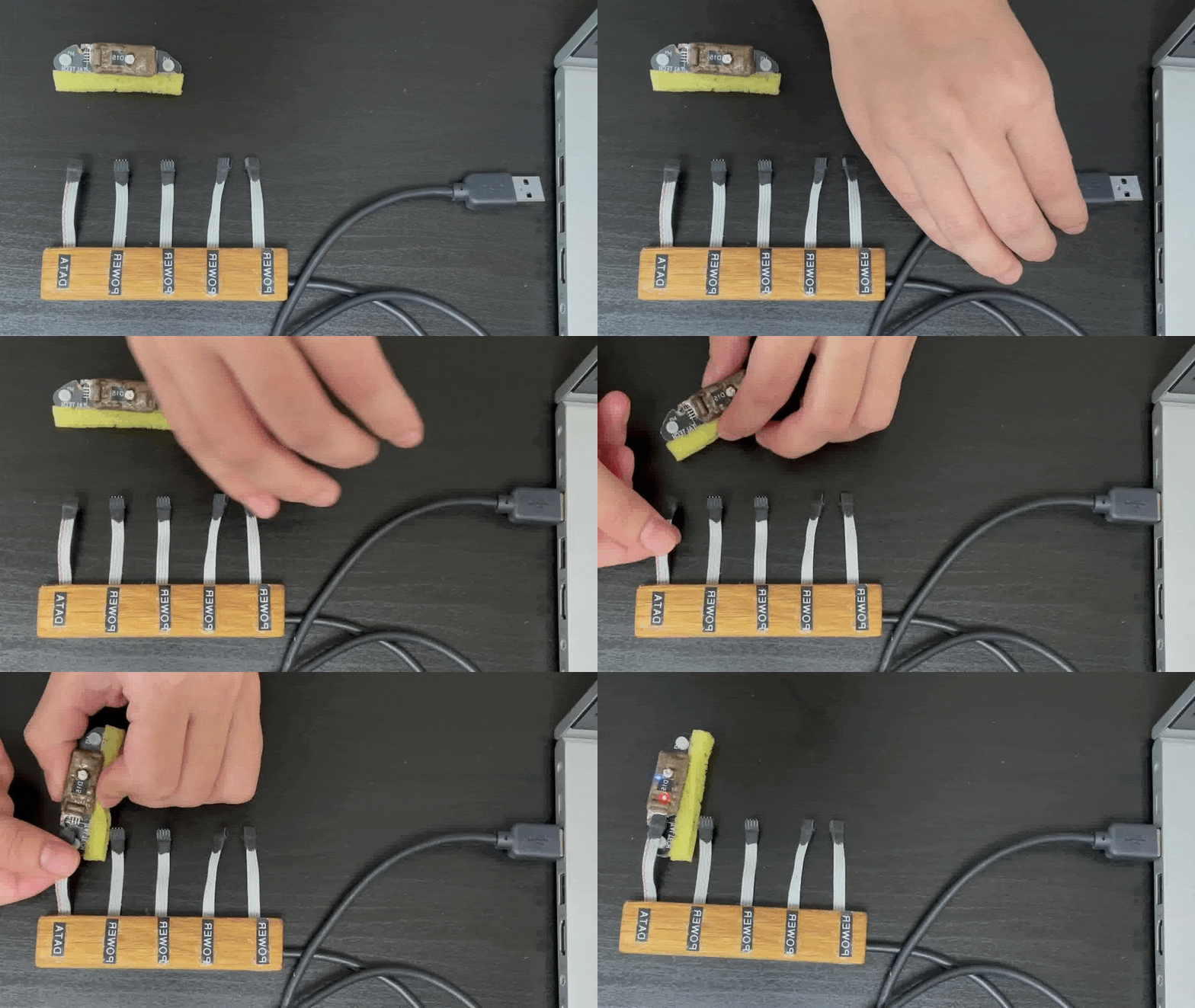
Step 2. Access SD card
- Open the connected devices on your computer and access the device with the same name as the backpack sensor.
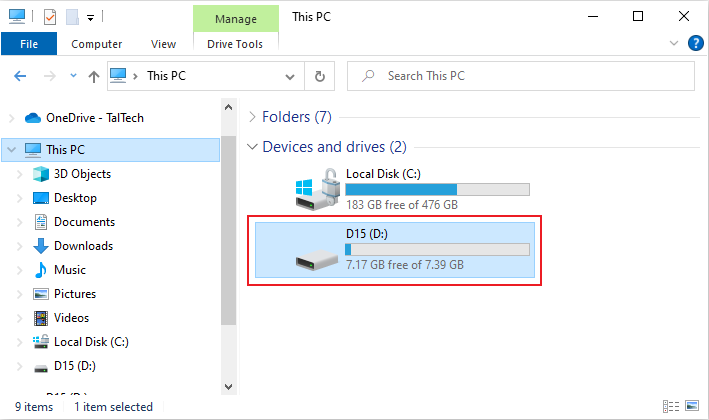
Step 3. Select the file for recovery
- Select the raw data files which have the .txt file extension and copy them to your computer.
Example raw Backpack data file: D150914153118.txt
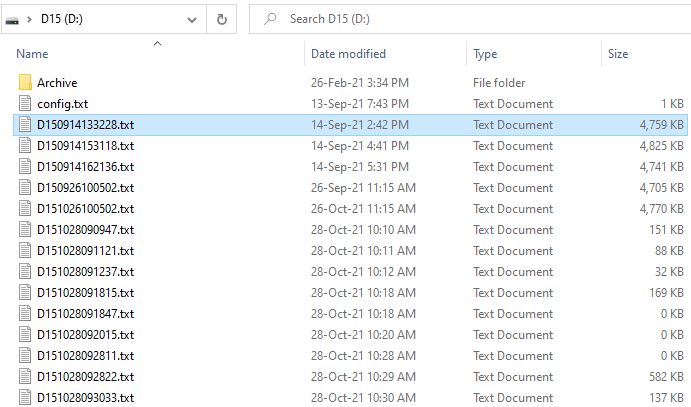
- Each time the sensor is started, a new file is created.
- "D15" is the sensor name.
- "0914" is the month and day, Sep 14.
- "153118" indicates that the sensor was turned on at 15:31:18 where 15 is the hour, 31 is the minute and 18 are the seconds.
- The real-time clock keeps the date and time accurate to 10 seconds / week.